
In a world where visuals dominate everything — from social media marketing to e-commerce and blogging — having the right image tools is no longer optional.
Whether you’re a Pinterest creator, blogger, designer, marketer, student, or business owner, you constantly need to:
-
Compress large images
-
Convert file formats
-
Resize images for social media
-
Remove metadata
-
Add watermarks
-
Create perfect Pinterest pins
-
Merge images into PDF
-
Optimize images for web speed
That’s exactly why Mscape.me was built.
It is your trusted online image editor offering powerful, free, private, and fast image utilities — without uploads and without compromising your privacy.
🔒 100% Private – No Image Uploads Required
Unlike most online image editors that upload your images to servers, Mscape.me works directly in your browser.
That means:
✔ No file storage
✔ No data tracking
✔ No privacy risks
✔ No server waiting time
✔ Instant processing
Your images stay on your device.
In 2026, privacy is not a feature — it’s a requirement.
🛠️ Complete Image Tools Suite – Everything in One Place
Mscape.me combines all essential image tools into one clean platform.
Instead of using 10 different websites, you get everything here.
📦 1️⃣ Compress Image – Reduce File Size Up to 90%


Large images slow down websites, hurt SEO rankings, and increase bounce rates.
With Mscape.me Image Compressor, you can:
-
Compress JPEG, PNG, WebP, GIF
-
Reduce file size up to 90%
-
Maintain visual quality
-
Batch compress multiple images
-
Adjust quality settings
Why Image Compression Matters for SEO
Google prioritizes fast-loading websites.
Compressed images mean:
-
Faster load times
-
Better Core Web Vitals
-
Higher SEO ranking
-
Improved user experience
-
Lower bandwidth usage
If you run an online store, blog, or portfolio — this tool alone can boost your traffic.
📐 2️⃣ Resize Image – Perfect Dimensions for Every Platform
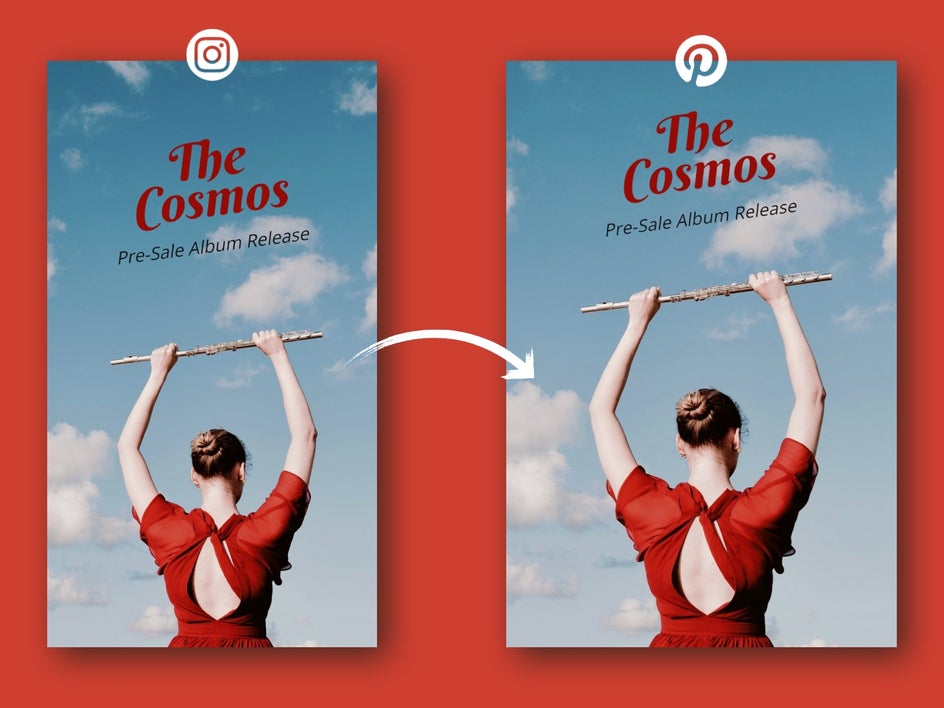
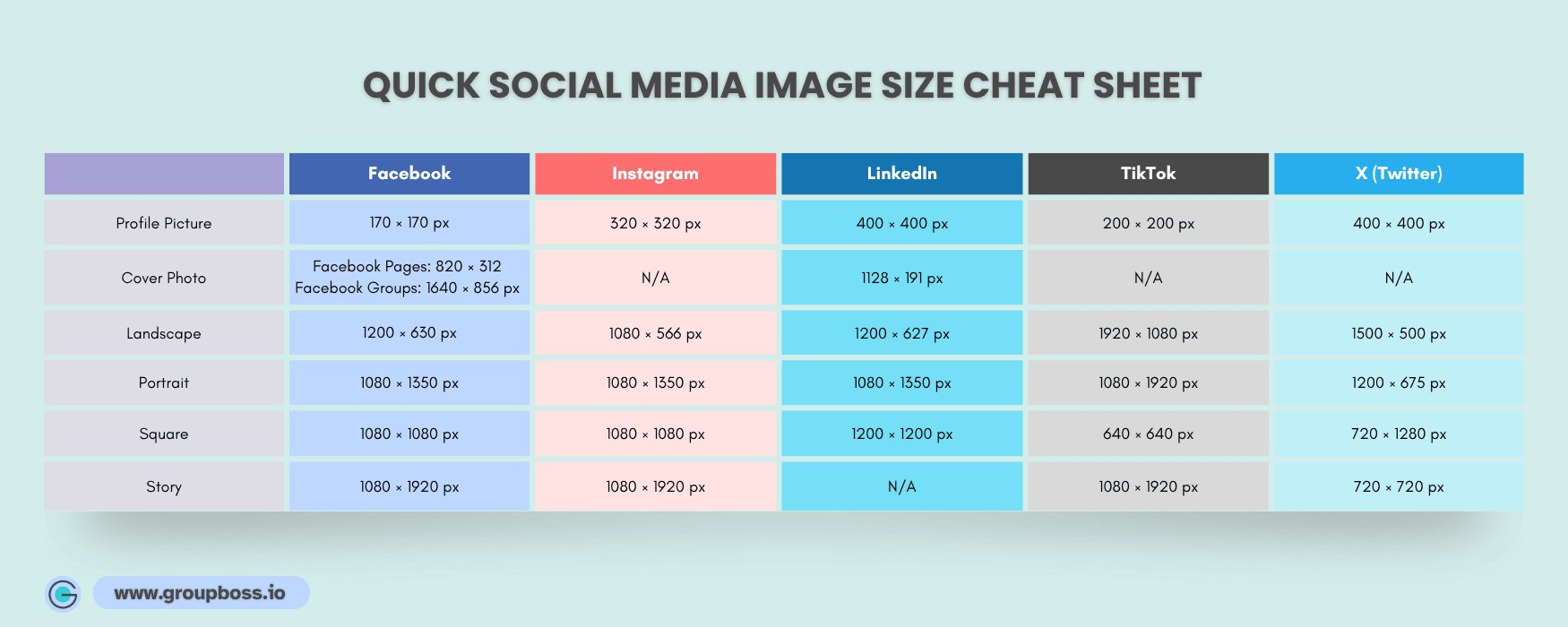
Need Instagram square?
Pinterest vertical?
Facebook cover?
Custom banner?
Mscape.me allows you to:
-
Set custom width & height
-
Maintain aspect ratio
-
Use preset social media sizes
-
Bulk resize images
No distortion. No pixelation.
Perfect for:
-
Bloggers
-
E-commerce sellers
-
Pinterest creators
🔄 3️⃣ Convert Image – JPG, PNG, WebP, HEIC, GIF, BMP, TIFF
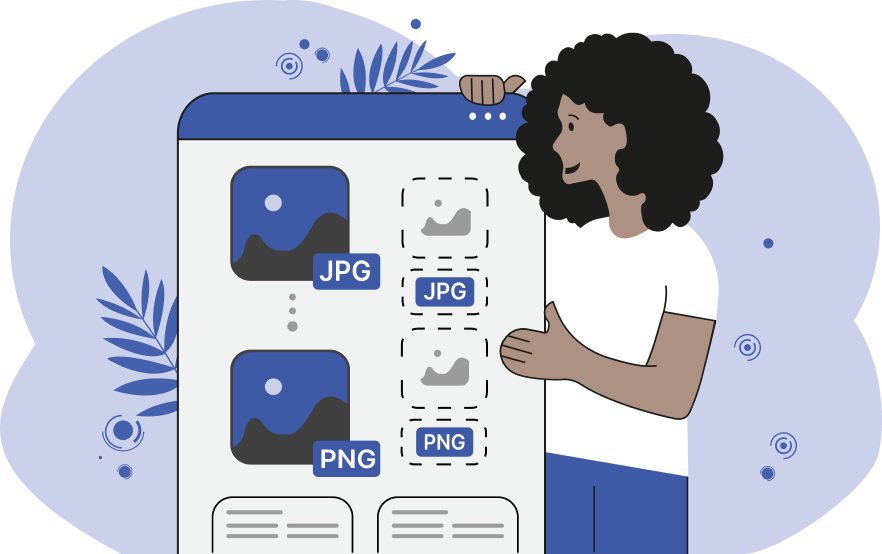
File format issues are common.
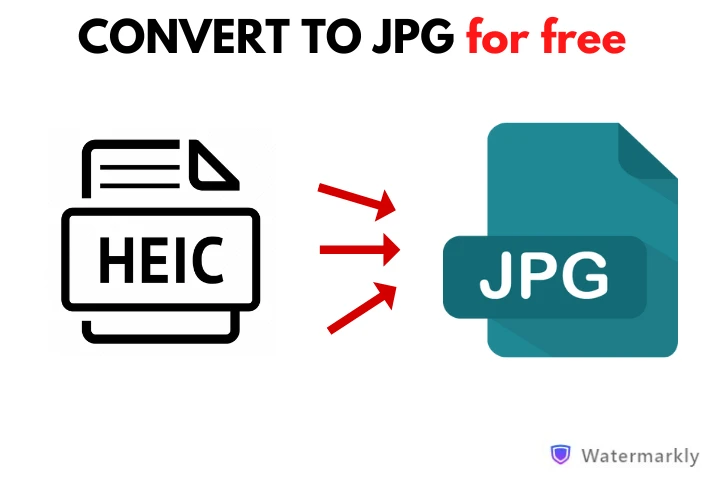
iPhone HEIC not supported?
Need PNG for transparency?
Want WebP for speed?
Mscape.me lets you:
-
Convert JPG ↔ PNG
-
Convert HEIC to JPG
-
Convert WebP to JPG
-
Convert GIF, BMP, TIFF
-
Fast and private conversion
All processed locally in your browser.
📌 4️⃣ Pinterest Image Optimizer – Create Perfect 2:3 Pins
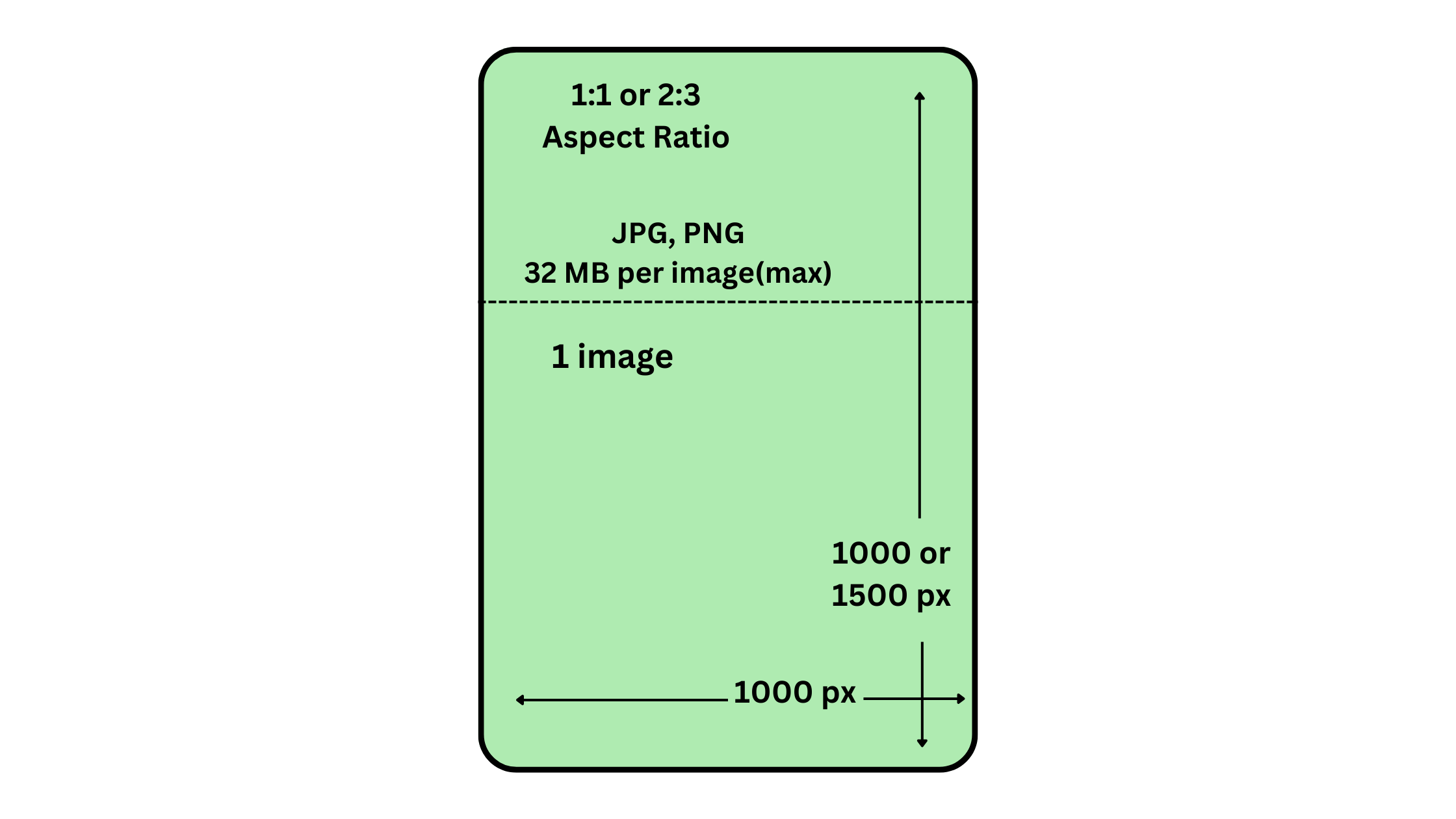

Pinterest prefers 2:3 ratio (1000x1500px).
Wrong dimensions = reduced reach.
With Mscape.me Pinterest Optimizer, you get:
-
Automatic 1000×1500 resize
-
Smart cropping
-
White padding option
-
Batch optimization
-
SEO-ready pin dimensions
If you’re serious about Pinterest traffic, this tool is a game changer.
💧 5️⃣ Watermark Images – Protect Your Work

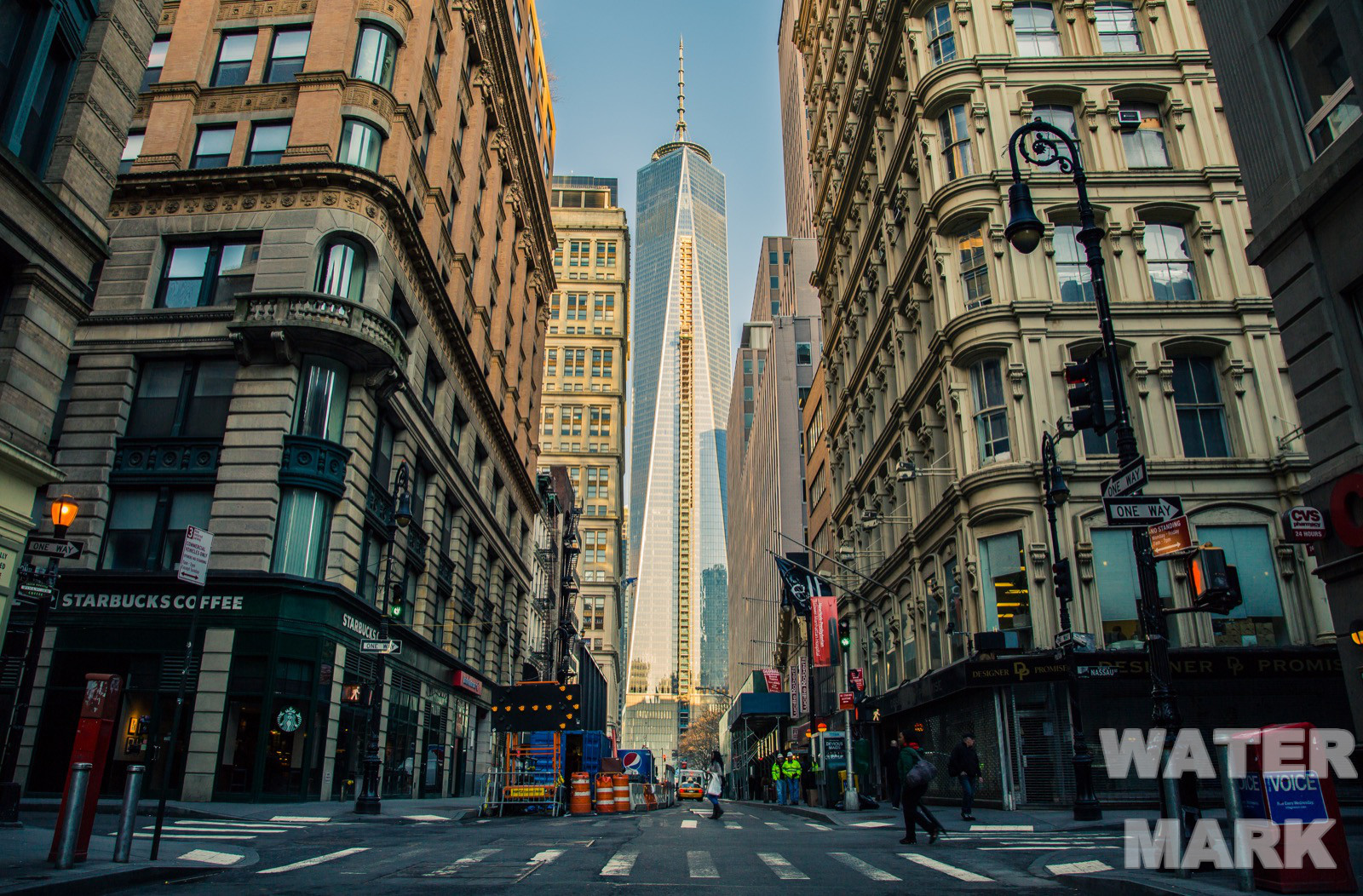
Protect your content from theft.
With Mscape.me you can:
-
Add text watermark
-
Add logo watermark
-
Control opacity
-
Choose position
-
Batch watermark multiple images
Ideal for:
-
Photographers
-
Etsy sellers
-
Pinterest creators
-
Designers
-
Content creators
✂ 6️⃣ Crop Image – Social Media Ready
Crop freely or use preset ratios:
-
1:1 (Instagram)
-
16:9 (YouTube thumbnails)
-
4:3 (Presentations)
Preview before exporting.
Fast. Simple. Accurate.
🔄 7️⃣ Rotate & Flip
Fix orientation instantly:
-
Rotate 90° / 180°
-
Flip horizontally
-
Mirror vertically
Great for mobile uploads and camera mistakes.
📄 8️⃣ Image to PDF Converter
Convert JPG or PNG to PDF.
Merge multiple images into one file.
Perfect for:
-
Students
-
Document submissions
-
E-commerce catalogs
-
Printable materials
No watermark. No login.
🧹 9️⃣ Metadata Cleaner – Remove EXIF & GPS Data
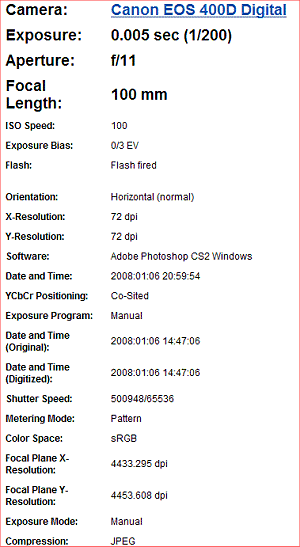

Did you know your photos contain hidden data?
EXIF metadata may include:
-
GPS location
-
Device model
-
Date & time
-
Camera settings
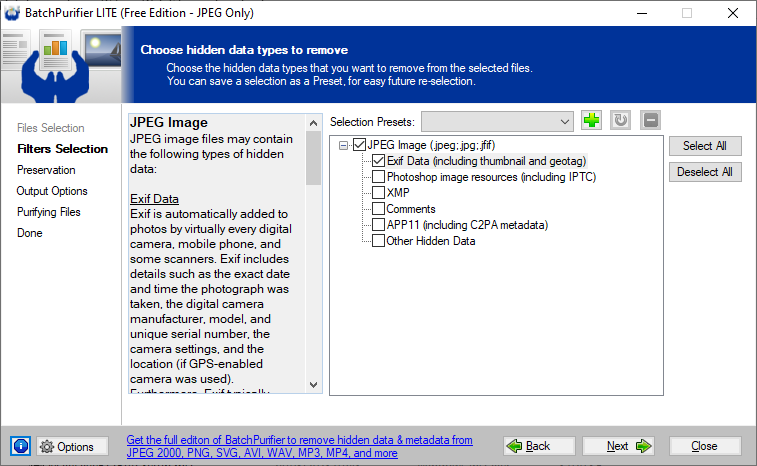
Mscape.me allows you to strip all metadata before sharing.
Protect your privacy online.
⚡ Why Mscape.me Is Better Than Other Online Image Editors
| Feature | Mscape.me | Typical Online Tools |
|---|---|---|
| No Upload Required | ✅ Yes | ❌ Usually uploads |
| 100% Private | ✅ Yes | ❌ Server stored |
| Batch Processing | ✅ Yes | ❌ Limited |
| Pinterest Optimizer | ✅ Yes | ❌ Rare |
| Metadata Cleaner | ✅ Yes | ❌ Often missing |
| Free to Use | ✅ Yes | ❌ Freemium |
🎯 Who Should Use Mscape.me?
-
Pinterest marketers
-
Etsy sellers
-
Bloggers
-
Web designers
-
Students
-
Social media managers
-
Photographers
-
Small business owners
If you work with images — you need this.
📈 SEO Benefits of Optimized Images
Using properly compressed and optimized images:
-
Improves Google rankings
-
Enhances Core Web Vitals
-
Reduces bounce rate
-
Boosts mobile performance
-
Increases Pinterest reach
Image optimization is one of the most underrated SEO strategies.
Mscape.me makes it effortless.
🌍 Final Thoughts – Your All-in-One Free Online Image Editor
In 2026, speed, privacy, and performance define digital success.
Mscape.me combines:
✔ Compression
✔ Conversion
✔ Resizing
✔ Pinterest Optimization
✔ Watermarking
✔ PDF Conversion
✔ Metadata Cleaning
All in one place.
All private.
All free.
If you want faster websites, better Pinterest reach, safer image sharing, and smoother workflow — Mscape.me is your ultimate solution.

